
Home / Resources / FMLS photo requirements
MLS Ready listing photos for Atlanta FMLS (cleanup, not virtual staging)
Atlanta agents live in FMLS. Poor lighting and leftover banners kill click-through. Fabricating rooms risks misrepresentation rules and brokerage policy. This page separates allowed cleanup from virtual staging disclosure.
Use Grafics MLS Ready when you need mild correction plus banner/watermark strip—not furniture, not fake views.
How to fix listing photos for FMLS without reshooting
Most FMLS photo problems on an active listing are a Manage Photos replace job: mild correction plus banner/watermark strip on the files you already shot, then re-upload. You do not need a new shoot unless the property itself changed.
You do not need a new shoot to get FMLS-ready images. Most upload-day problems are fixable on the files you already have—as long as you stay in cleanup, not fabrication.
What you can fix in place
- Exposure, white balance, and mild clarity so rooms read true on Matrix
- Straighten verticals and crop for a clean primary exterior
- Strip Just Listed banners, draft watermarks, logos, phones, and URLs burned into the frame
- Soften glare or underexposure that hides real finishes (without inventing finishes)
What is not a no-reshoot “fix”
- Adding furniture, décor, or sky replacements (virtual staging — different disclosure path)
- Hiding material defects or changing room layout
- Leaving brokerage branding on listing photos
Fast path for Atlanta agents
- Pull the current listing set from your phone, photographer, or Matrix draft.
- Apply mild correction + banner/watermark strip only.
- Export clean JPGs and upload the primary exterior first.
- Build Just Listed / social graphics from those clean masters—not from branded drafts.
Grafics MLS Ready is built for that in-place cleanup (FMLS, GAMLS, or Both). MLS Ready is separate from the listing pack. Not a certification—you still own compliance with your broker and current FMLS materials.
Replace photos in Matrix Manage Photos (no new shoot)
When FMLS or your broker flags a listing photo, the usual fix is replace the file in Matrix Manage Photos—not book another photographer. Clean the masters you already have, then swap them so the live listing updates.
What “fix without reshooting” means in Matrix
- Open the listing in Matrix and go to Manage Photos (or your desk’s photo-change path).
- Note which frames failed (primary exterior first if that is what review flagged).
- Soft-correct those files only: exposure, white balance, straighten/crop, mild clarity.
- Strip Just Listed banners, draft watermarks, logos, phones, and URLs burned into the frame.
- Keep the real room—no furniture packs, sky swaps, or restyles sold as ordinary listing photos.
- Export clean JPGs, then replace / re-upload those frames in Manage Photos.
- If the public listing still shows the old image, wait for Matrix propagation or re-check with your broker desk—do not “fix” a refresh by inventing content.
That upload-day cleanup is what Grafics MLS Ready is built for (FMLS, GAMLS, or Both). Separate from the listing pack. Not a certification—you still own compliance with your broker and current FMLS materials.
Examples: cleanup you put back into Manage Photos
Same frames you already shot. Strip banners and watermarks, mild-correct exposure and tilt, then replace those files in Matrix Manage Photos. This is cleanup for FMLS / GAMLS upload—not virtual staging, not a new shoot.
Strip a burned-in Just Listed banner
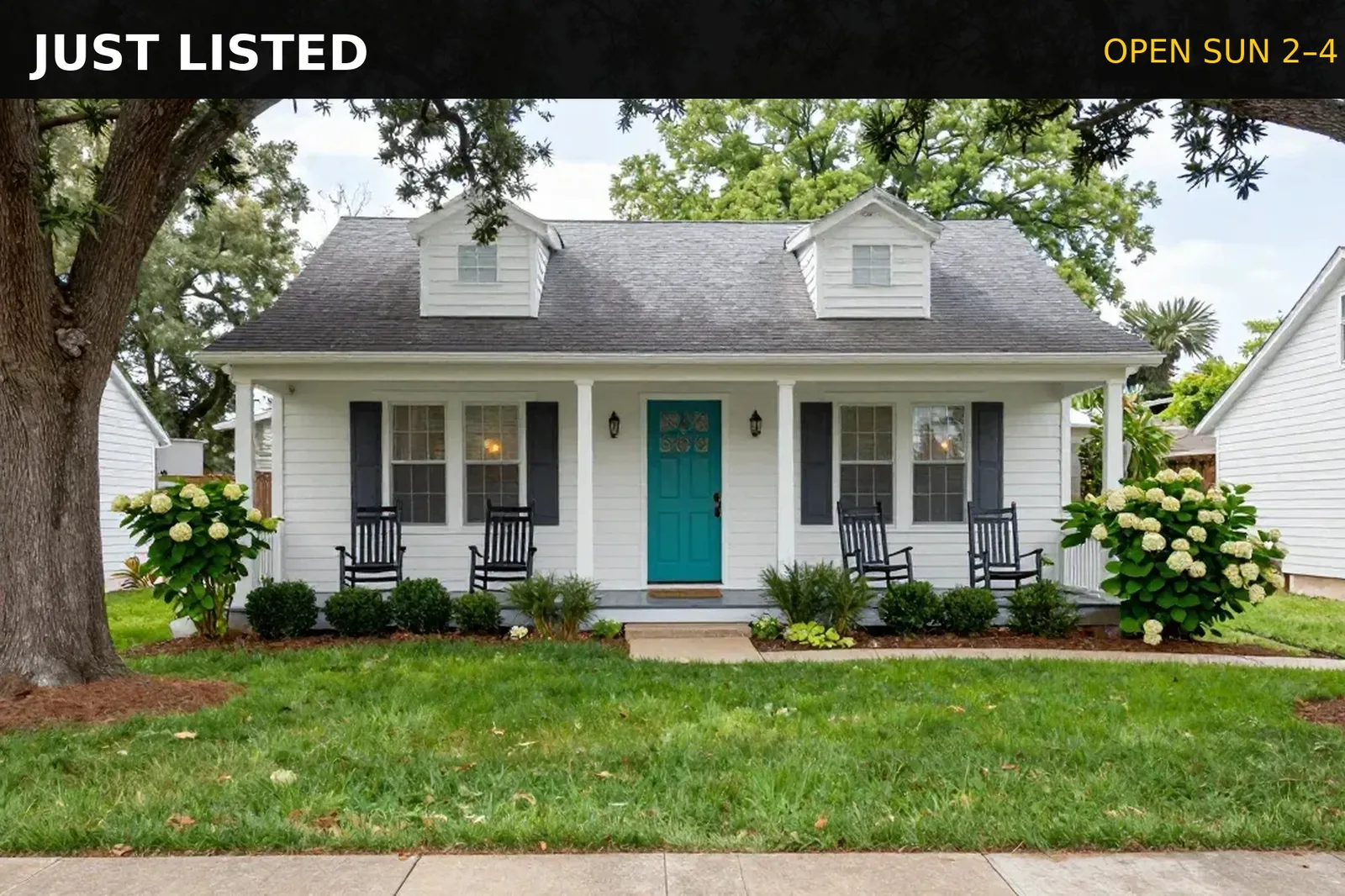
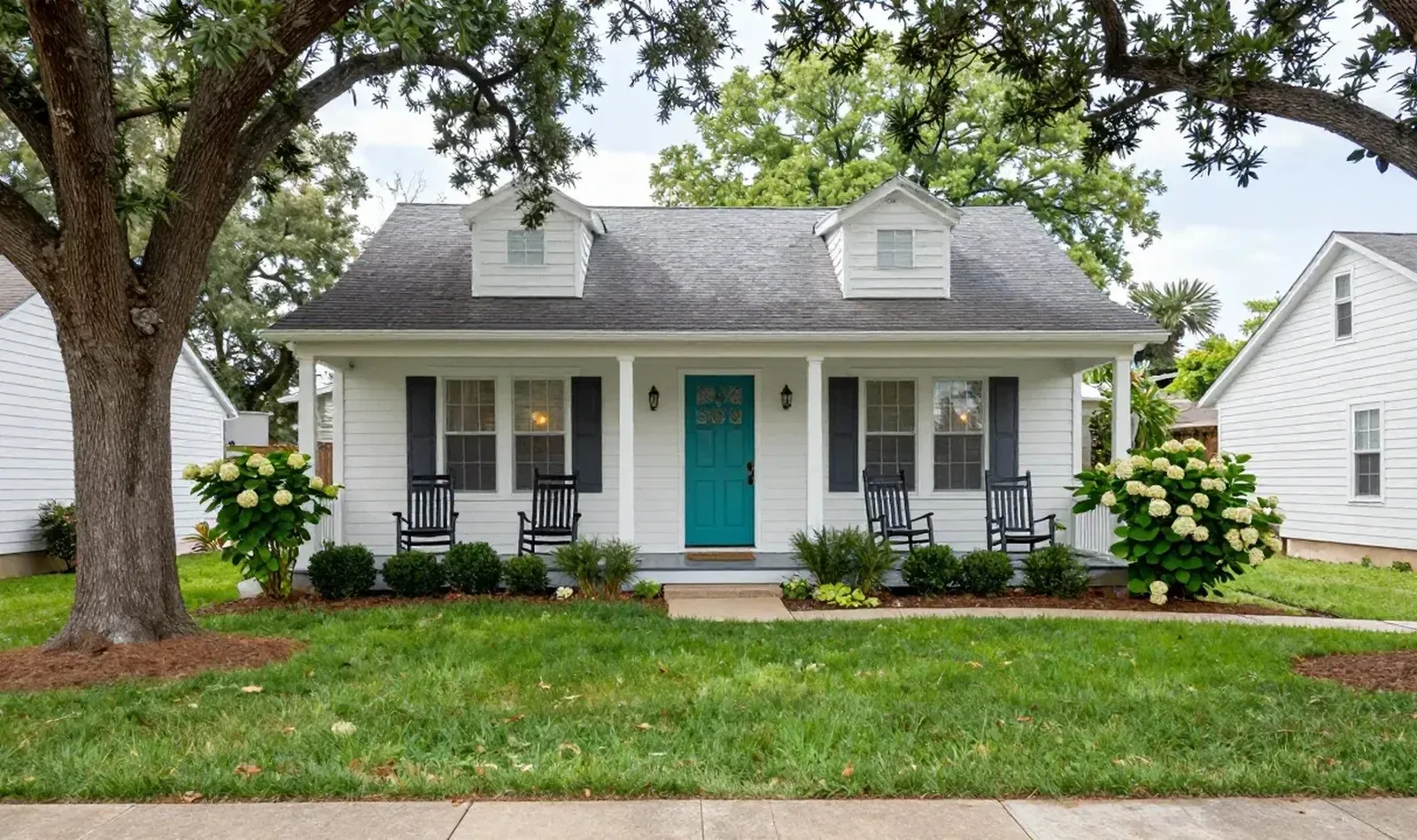
Illustration only — not actual MLS Ready output. Real results vary.
Strip watermark and timestamp
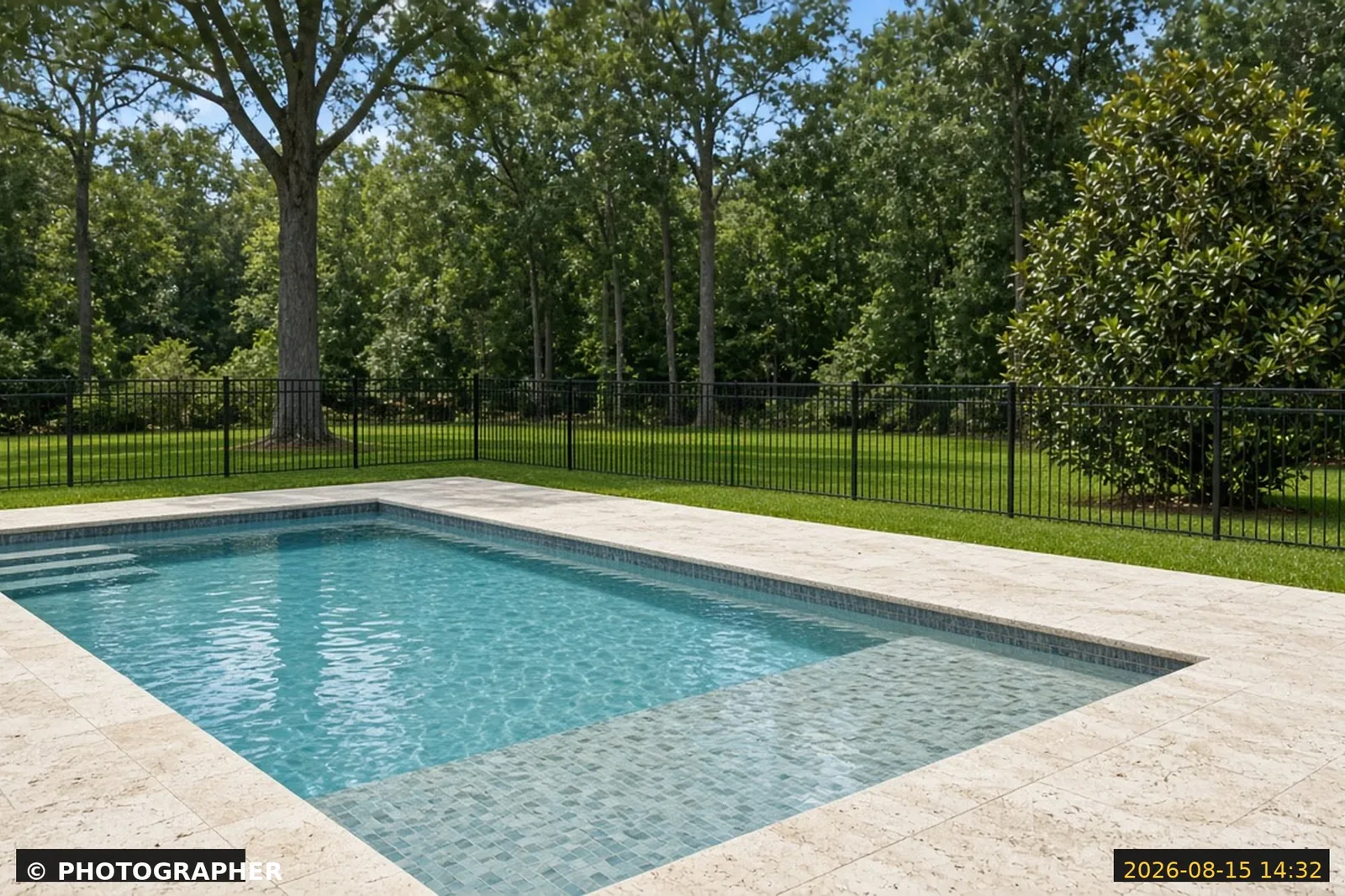
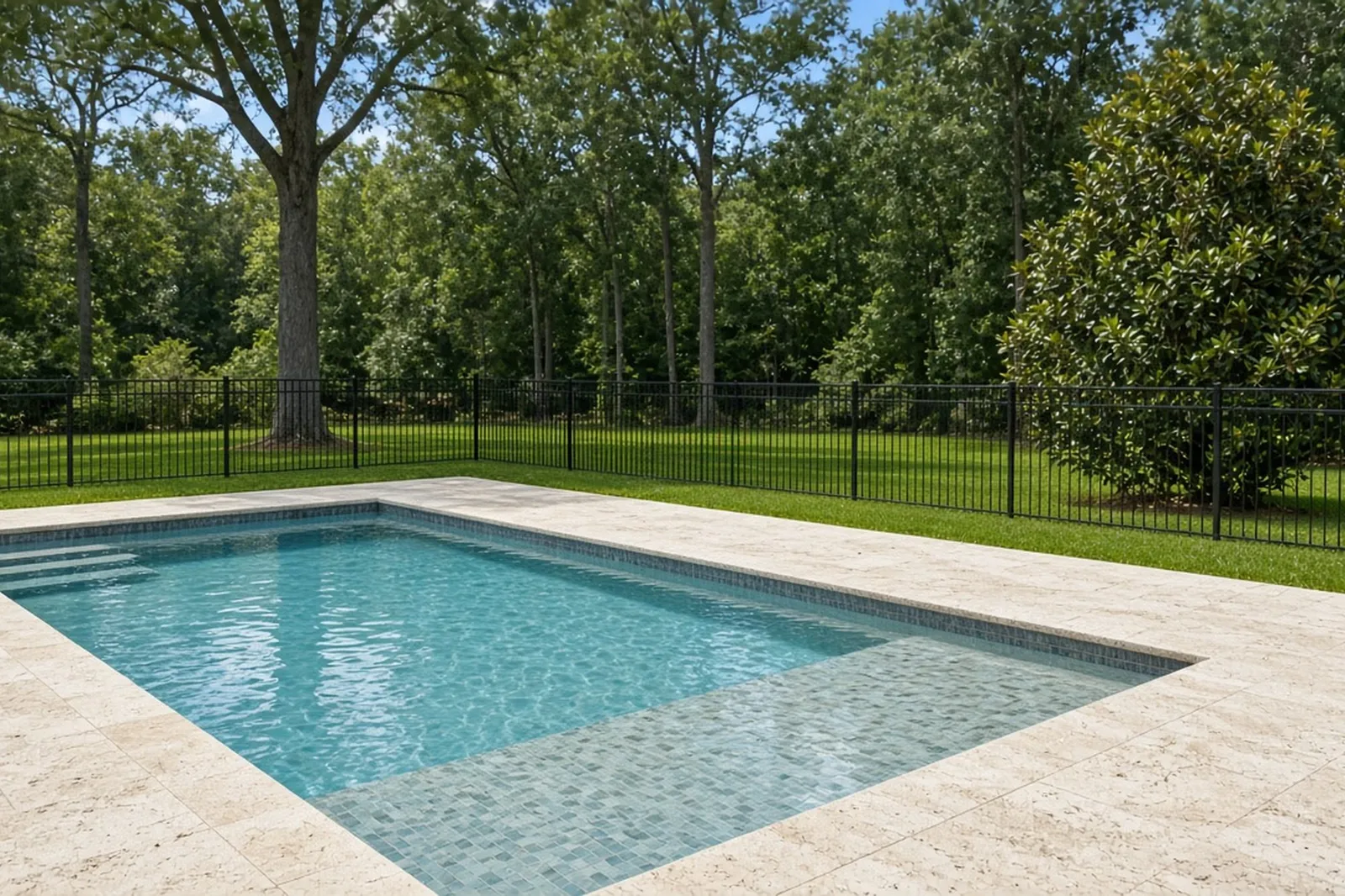
Illustration only — not actual MLS Ready output. Real results vary.
Mild interior correction (keep the real room)
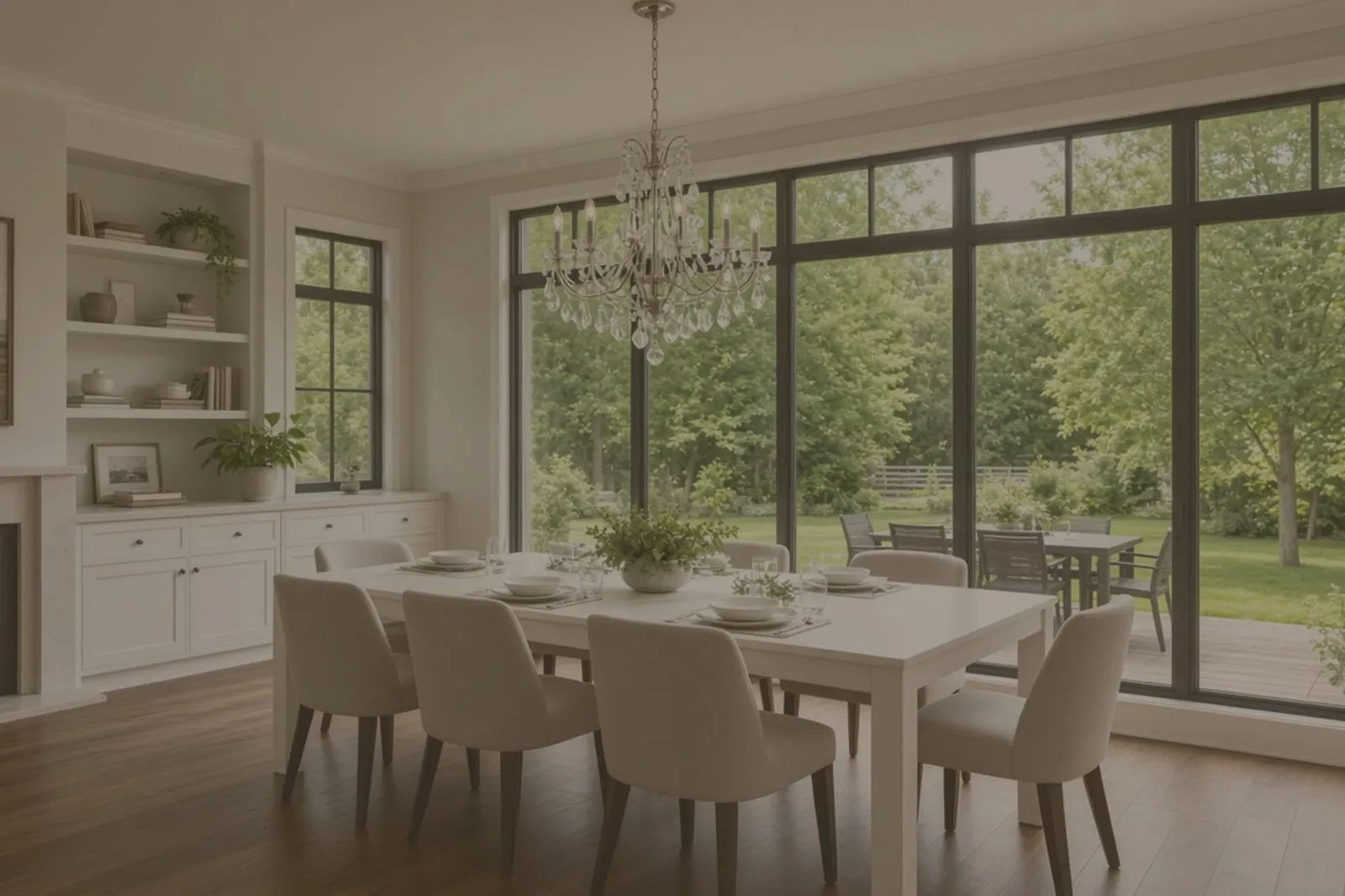
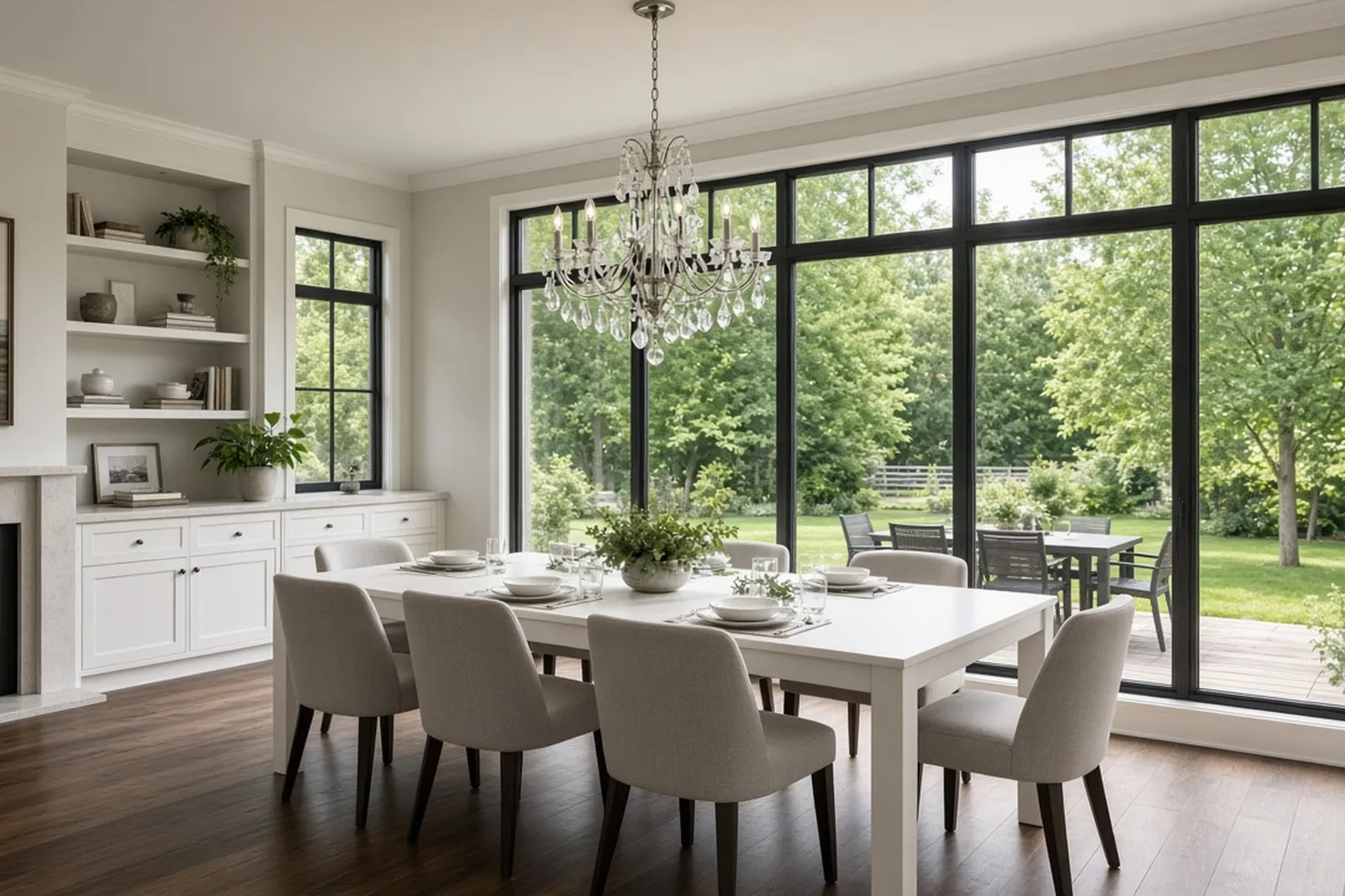
Illustration only — not actual MLS Ready output. Real results vary.
Mild exterior correction
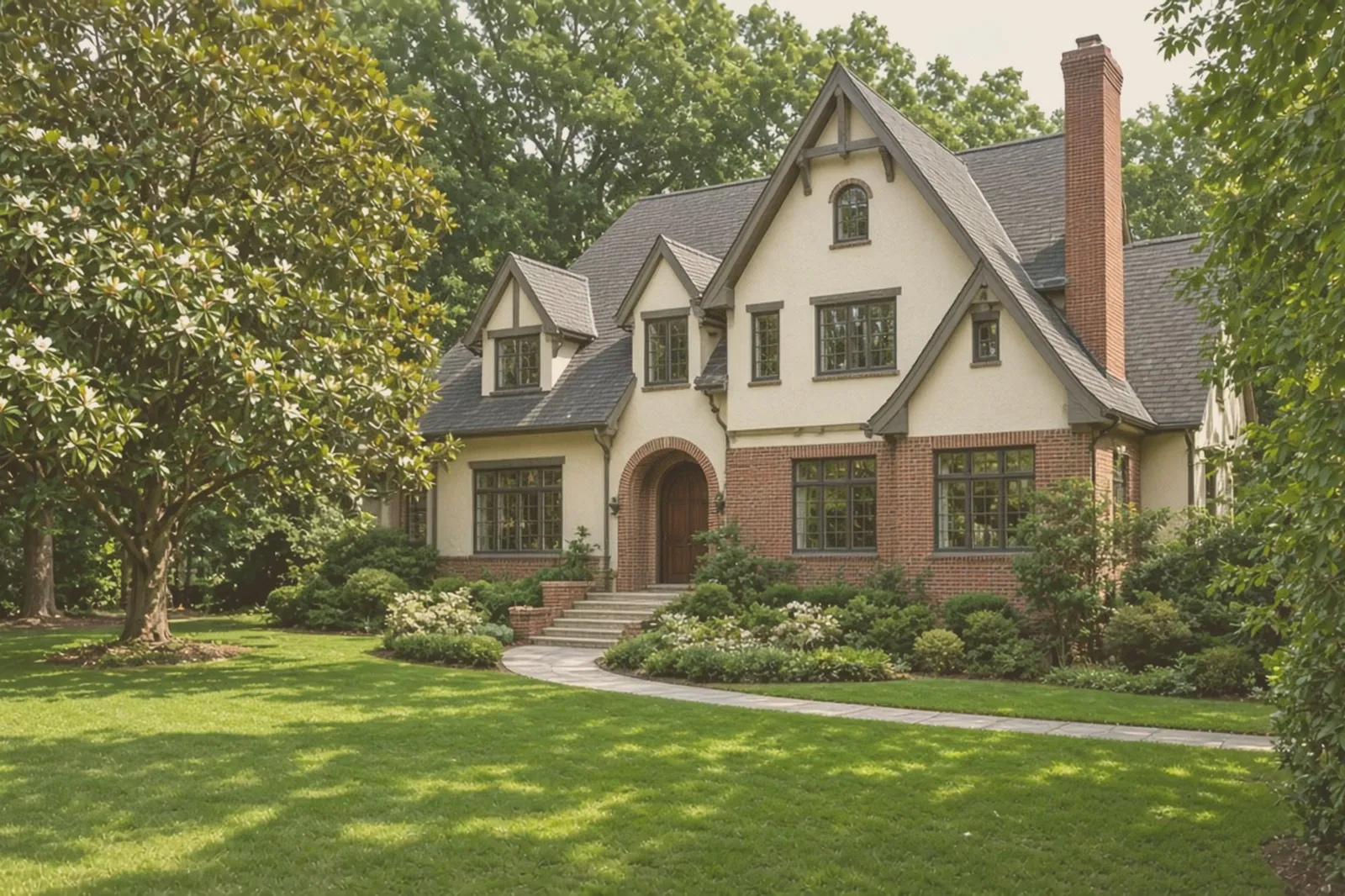
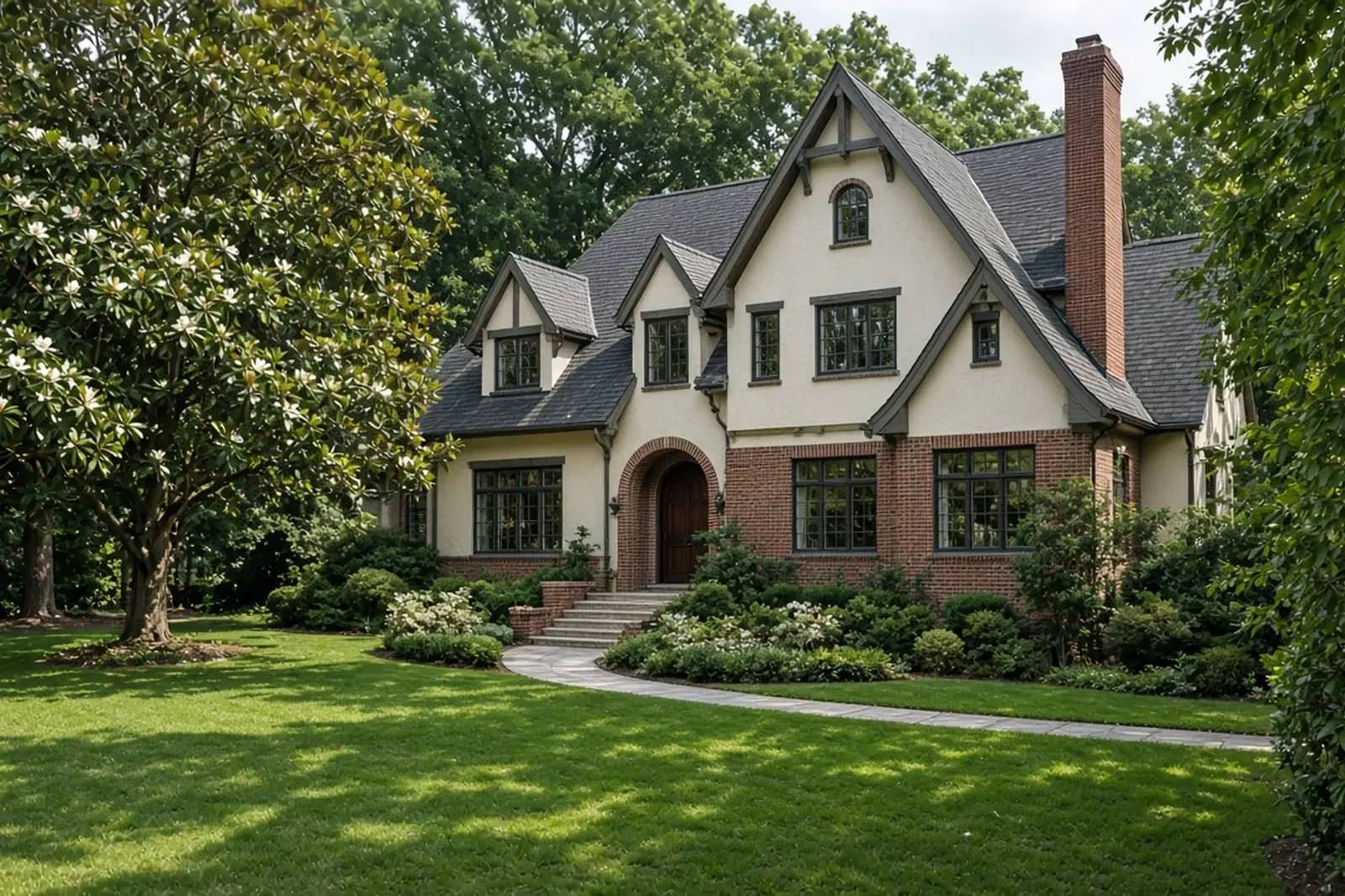
Illustration only — not actual MLS Ready output. Real results vary.
More of the same proof lives on the MLS Ready hub. After cleanup, swap the frames in Matrix Manage Photos so the live listing updates—do not book a reshoot for banner/watermark/exposure fixes.
The three rule themes that matter
- Accuracy: photos should not be altered in a way that misrepresents the property.
- No self-promotion on the image: avoid superimposed text, logos, phones, and URLs on listing photos.
- Timing: get at least one photo into the system within the board’s published window (verify current handbook—windows have varied by source).
Your broker desk and current FMLS materials are the source of truth. This is a working checklist, not a reprint of the rulebook.
Cleanup vs virtual staging
- Cleanup: exposure, white balance, straighten, strip banners/watermarks, mild clarity. Keep the real room.
- Virtual staging: adding furniture or décor. Different disclosure path. Do not burn logos into staged frames either.
- Can do on upload day: mild correct + strip so Matrix accepts the set you already shot.
- Cannot treat as cleanup: twilight composites, furniture packs, or restyles sold as ordinary listing photos.
The open gap is honest cleanup for FMLS upload day—not staging compliance pages. Full side-by-side: MLS Ready vs virtual staging.
MLS Ready vs “MLS-ready” AI edits (Atlanta FMLS)
Search and ads often use MLS-ready for AI style packs. That is not the same product as Grafics MLS Ready.
Can fix (MLS Ready cleanup)
- Mild exposure / color correction on an existing shoot
- Strip banners, watermarks, and upload artifacts that trip FMLS / GAMLS review
- Keep photos looking like the real property—not a restyle pack
- Export clean JPGs for the primary exterior first, then the rest of the set
Not a fix (different lane)
- Virtual staging, twilight composites, or magazine-style enhancement packs marketed as MLS-ready exports
- Treating staged or heavily restyled images as ordinary listing photos without the required disclosure caption
- Skipping broker/board guidance when media is digitally altered beyond enhancement
For the board rules on cleanup vs staging, see Cleanup vs virtual staging above. Atlanta fast path: if the shoot already exists and you need upload-safe cleanup for Georgia MLS (FMLS / GAMLS), start at Grafics MLS Ready.
Pre-upload checklist
- Primary exterior first—daylight, recognizable front.
- Strip Just Listed banners, draft watermarks, and agent branding.
- Keep material defects visible.
- Export clean JPG for Matrix.
- If you dual-post to GAMLS, use the same master set and apply each board’s remarks rules separately.
- Then build just listed graphics from the clean masters.
How Grafics helps
Mild correction + artifact strip. FMLS, GAMLS, or Both modes. Not a certification—you still own compliance. Start at /mls-ready/.
FAQ
Does FMLS allow photo editing?
Editorial cleanup that does not misrepresent the property is common practice. Material alteration or staging has different disclosure expectations—confirm with your broker.
Can I leave a brokerage watermark on FMLS photos?
Self-promotion and superimposed text on photos are generally barred. Strip before upload.
Is banner removal the same as virtual staging?
No. Removing marketing overlays is cleanup. Adding furniture is staging.
Do I need to disclose mild color correction?
Enhancement-only edits are typically treated differently from digitally altered or staged media. Follow broker and current FMLS guidance.
Is “MLS-ready” AI photo editing the same as Grafics MLS Ready?
No. Many AI editors sell fast style packs (including virtual staging) labeled MLS-ready. Grafics MLS Ready is MLS-safe correction and artifact strip for US MLS uploads (GA: FMLS / GAMLS). Staged images still need the Virtually Staged caption under FMLS / GAMLS rules. Start at Grafics MLS Ready.
How do I replace listing photos in Matrix Manage Photos without reshooting?
Download or export the problem frames, apply mild correction plus artifact strip, export clean JPGs, and replace them in Manage Photos. If the public side is slow to refresh, wait for Matrix propagation or ask your desk—do not invent content to force a fix. Grafics MLS Ready handles that cleanup for FMLS and GAMLS—start at /mls-ready/.
How do I fix listing photos for FMLS without reshooting?
Stay in cleanup: exposure, white balance, straighten/crop, and strip banners or watermarks. Then replace the frames in Matrix Manage Photos so the live listing updates. Keep the real room—do not add furniture or fake views. That is MLS-safe correction, not virtual staging. Start at Grafics MLS Ready.
Is fixing photos without reshooting the same as virtual staging?
No. Fixing without reshooting means correcting and cleaning the existing shoot, then replacing files in Manage Photos. Virtual staging adds furniture or décor and has a different disclosure path.
Do twilight or magazine-style packs count as MLS Ready cleanup?
No. Those are marketing restyles. MLS Ready cleanup keeps the real property for board upload. See MLS Ready vs virtual staging.
Related: MLS Ready vs virtual staging · GAMLS listing photos · MLS Ready listing photos Atlanta FMLS & GAMLS · MLS Ready pricing